Finances | Sep 11, 2026
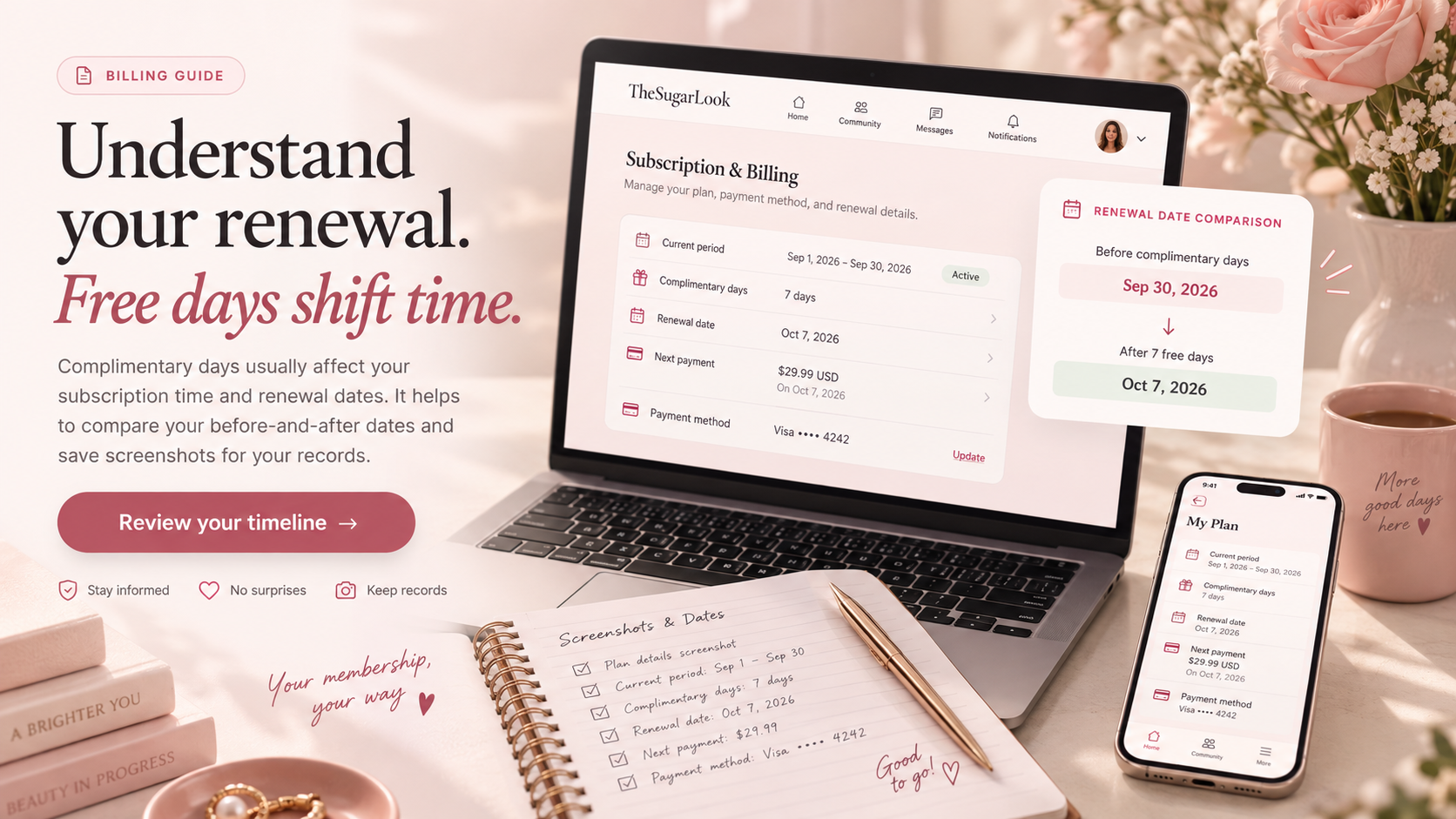
Complimentary days can be confusing because they affect subscription time rather than behaving exactly like a refund or account balance. Start with the dates displayed on your subscription page and note the current plan period, expected renewal date, and any complimentary time that has been applied. When free days are added, compare the before-and-after renewal information instead of relying on memory. Keep screenshots if the adjustment is important because subscription dates can change again after another billing event. Do not assume that complimentary time automatically changes the amount of a future charge unless the subscription terms specifically say so. Likewise, avoid waiting until access expires before investigating a date that already appears incorrect. If something does not add up, document the displayed dates and any relevant confirmation message while the information is still visible. Understanding the timeline makes it much easier to distinguish a genuine billing problem from a renewal date that has simply moved.